
Phillips County Jail Roster
The Phillips County Sheriff's Office inmate page embeds a live roster from a direct endpoint at phillips.plutosites.net. The roster is a DataTables-style table, not a long profile page for each person. It supports filtering visible rows, changing the number of displayed entries, sorting columns, viewing charge details through a tooltip, and opening a hidden mugshot image when present.
The local roster is for Phillips County custody. It does not replace KDOC KASPER, which is for state corrections and supervision information, and it does not replace KBI criminal history. It also does not show full court-file data. The court file is the better source for bond orders, hearings, pleas, disposition, sentencing, and later changes.
The roster research also found no official Phillips County sheriff mobile app. Searches in Apple and Google app contexts did not identify a sheriff app, and the sheriff website did not show App Store or Google Play badges. That means the web roster and phone fallback are the documented local channels. App-only inmate lookup language would be unsupported for Phillips County.
Current custody can also change quickly after bond, transfer, court order, or release. Save the roster date when comparing it with a court docket.
The sheriff inmate page is the official public-facing roster channel.
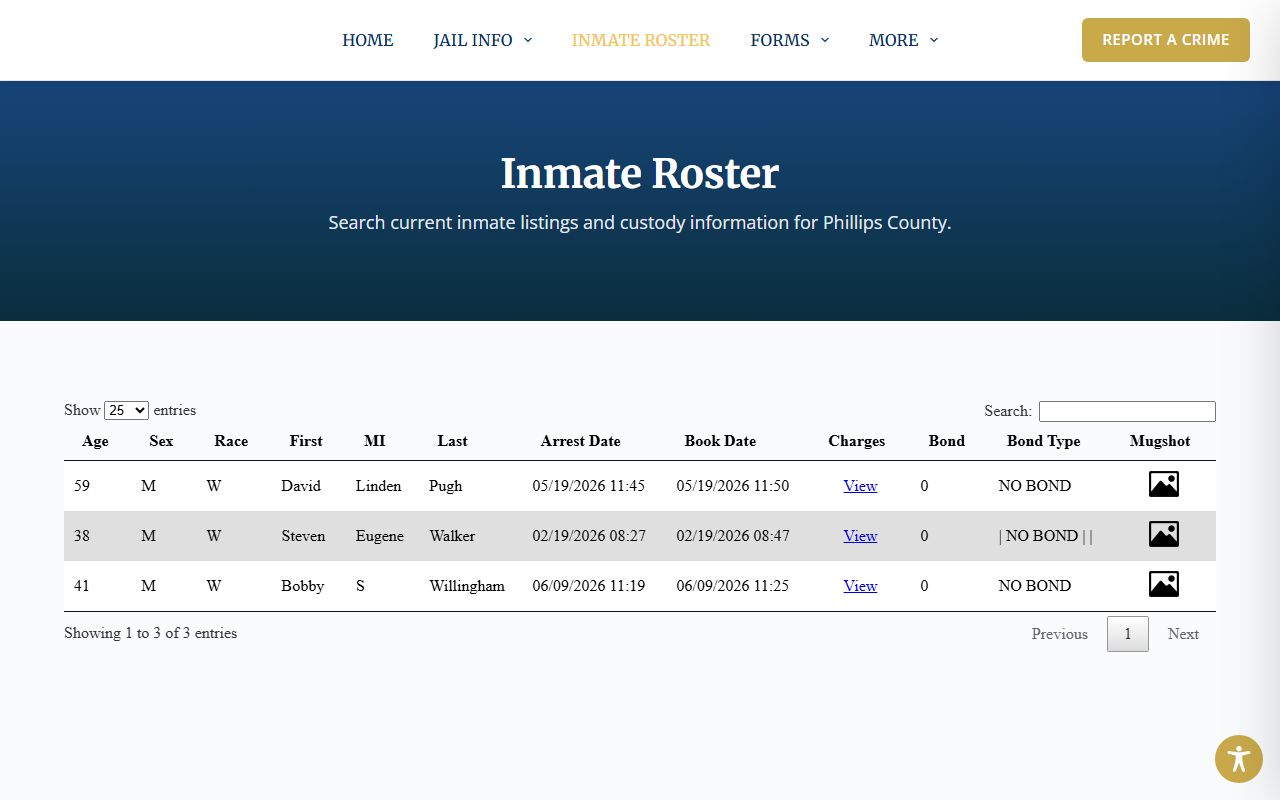
The embedded roster format explains why a user may see a table rather than a separate inmate profile page.
Use the Phillips Roster
Use the sheriff roster first for current local custody. If the person is not listed, call the Sheriff's Office at 785-543-6885 or check state-level systems when the person may be in KDOC custody or supervision. The roster can change as people are booked, transferred, bonded, or released.
- Open the sheriff inmate roster page or the direct embedded roster endpoint.
- Use the search box to filter visible rows by name or other visible text.
- Sort the Last, Arrest Date, Book Date, Bond, or other columns when comparing results.
- Use the Charges "View" tooltip to read statute-style charge text.
- Use court records or the clerk for filed charges, bond orders, and disposition.
The direct roster endpoint is the table source inspected in the research file.
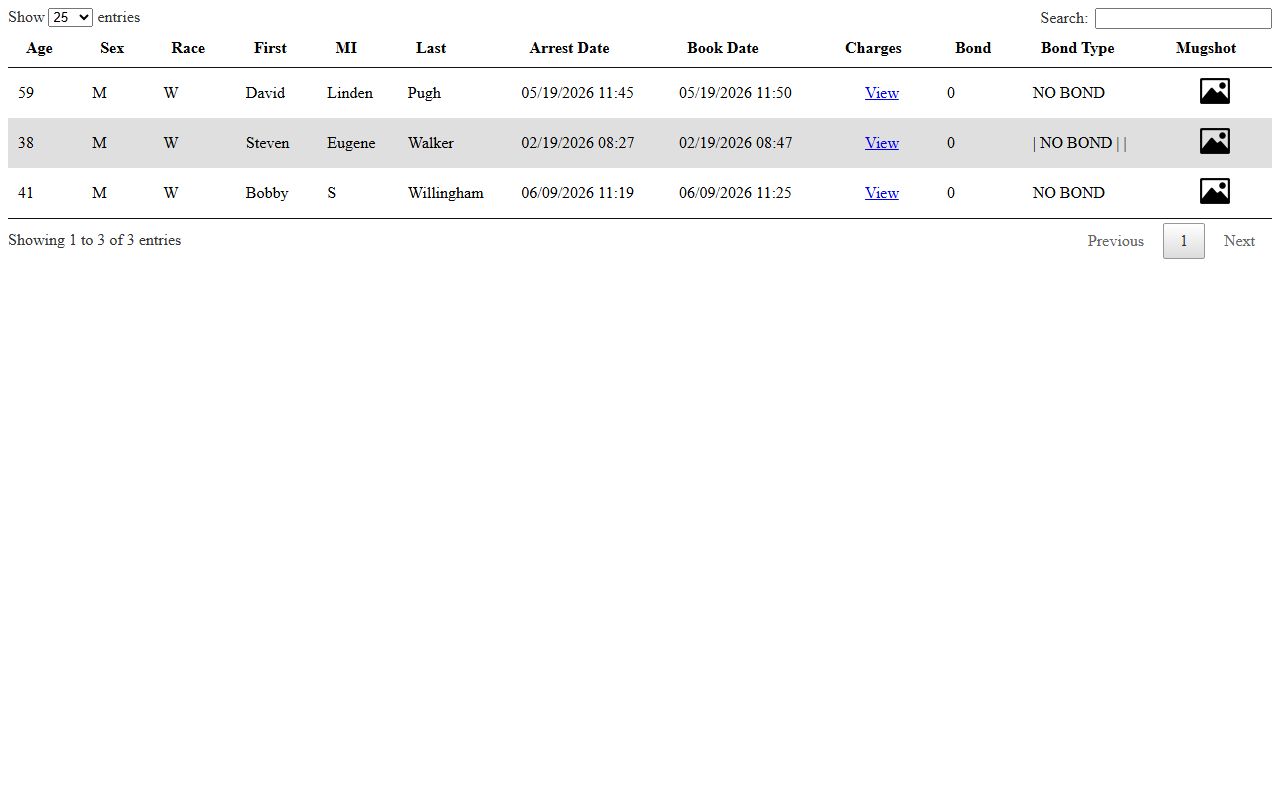
The direct table showed age, sex, race, names, arrest and booking dates, charges, bond, bond type, and mugshot icons.
A useful way to read the roster is to compare arrest date and book date. The arrest date marks the law-enforcement event, while the book date marks jail intake entry. A small difference may be routine processing time. A larger gap can require office confirmation. The court file, not the roster, should be used to confirm when formal charges were filed.
Roster Search Field Table
The inspected Phillips County roster does not use a multi-field jail search form. It uses a visible table with DataTables controls. The field table below reflects the actual roster behavior captured in the research.
| Field Label | Type | Required | Options / Format Notes |
|---|---|---|---|
| Search box | Text | Optional | Filters visible roster rows. |
| Show entries | Dropdown | Optional | Changes table page length; source sets page length at 25. |
| Age, Sex, Race | Columns/sort | n/a | Visible demographic columns. |
| First, MI, Last | Columns/sort | n/a | Roster defaults sorting on Last column ascending. |
| Arrest Date, Book Date | Columns/sort | n/a | Displayed in MM/DD/YYYY HH:MM format. |
| Charges | Tooltip link | n/a | "View" link stores charge text and statute code in a tooltip. |
| Bond, Bond Type | Columns/sort | n/a | Examples include 0 and NO BOND. |
| Mugshot | Image tooltip | n/a | Icon opens or displays hidden mugshot file when available. |
Inmate Profile Fields
The sample roster inspection on July 1, 2026 showed three visible rows. Public page copy should not freeze those names as current custody facts because the roster changes. The useful record inventory is the set of fields that appeared and the fields that did not appear.
| Field | What It Shows |
|---|---|
| Age | Numeric age for the listed person. |
| Sex and Race | Basic roster demographic fields. |
| First, MI, Last | Name fields used for sorting and filtering. |
| Arrest Date | Date and time of arrest entry. |
| Book Date | Date and time booking was entered. |
| Charges | Tooltip text with Kansas statute-style charge codes and descriptions. |
| Bond | Dollar amount field, including zero in inspected rows. |
| Bond Type | Text such as NO BOND, with pipe-separated values when multiple. |
| Mugshot | Hidden mugshot image path linked through an icon or tooltip. |
Fields not shown in inspected rows included booking number, housing pod, court date, arresting agency, magistrate, warrant number, release date, attorney, medical or security flags, and sentence detail. Those should not be invented for Phillips County inmate records.
The inspected charge tooltips included statute-style examples such as probation violation and parole violation, plus rows with multiple charge descriptions separated by pipes. That format is a roster display choice. It helps a user spot the listed basis for custody, but it does not show the full complaint, information, prosecutor amendments, plea, or sentencing order.
Jail Contact Card
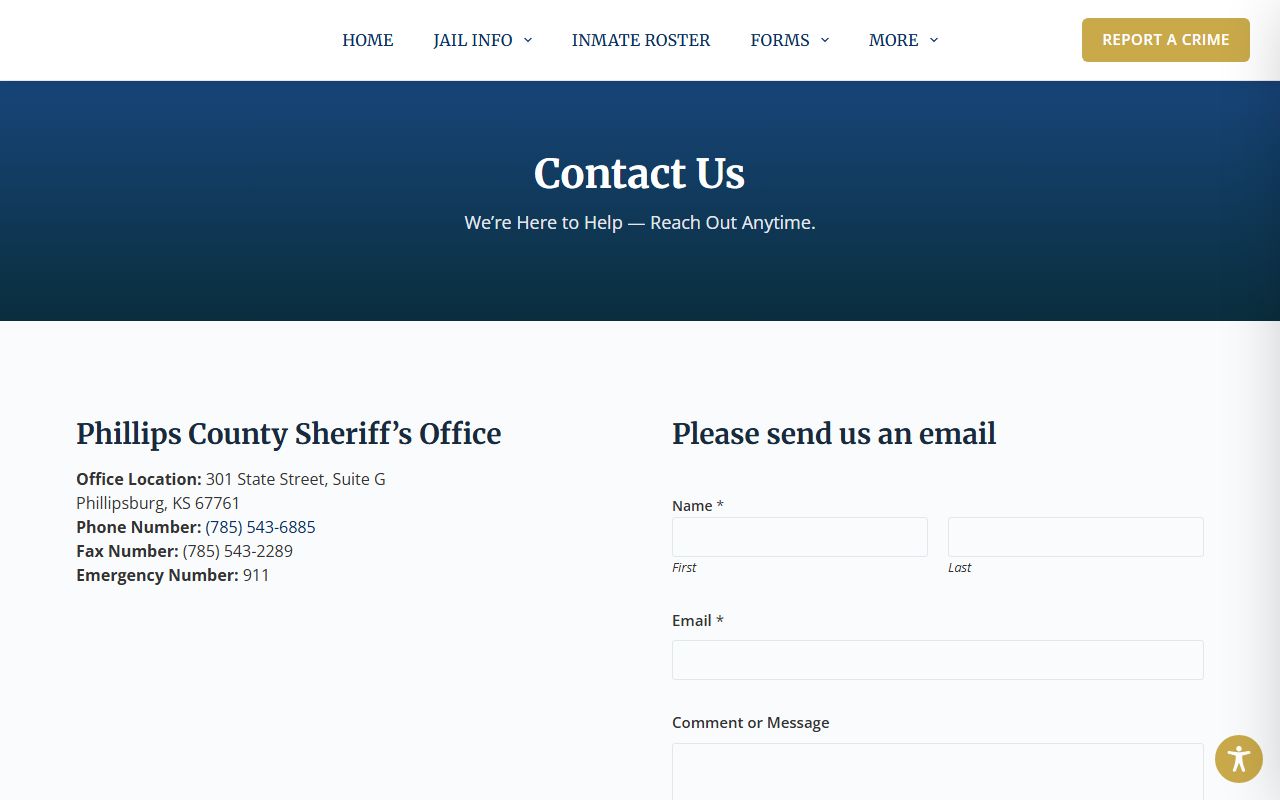
The Sheriff's Office and jail contact path is local. The county staff page lists Sheriff Kyle Pinkerton, and the sheriff site lists the same main phone and sheriff email. The jail pages place the in-person deposit kiosk at the Phillips County Jail in the courthouse.
Phillips County Sheriff's Office and Jail
301 State Street, Suite G
Phillipsburg, KS 67661
785-543-6885
Fax: 785-543-2289
Email: phillipstac@ruraltel.net
Emergencies: 911
The sheriff jail information page is the local jail overview source.
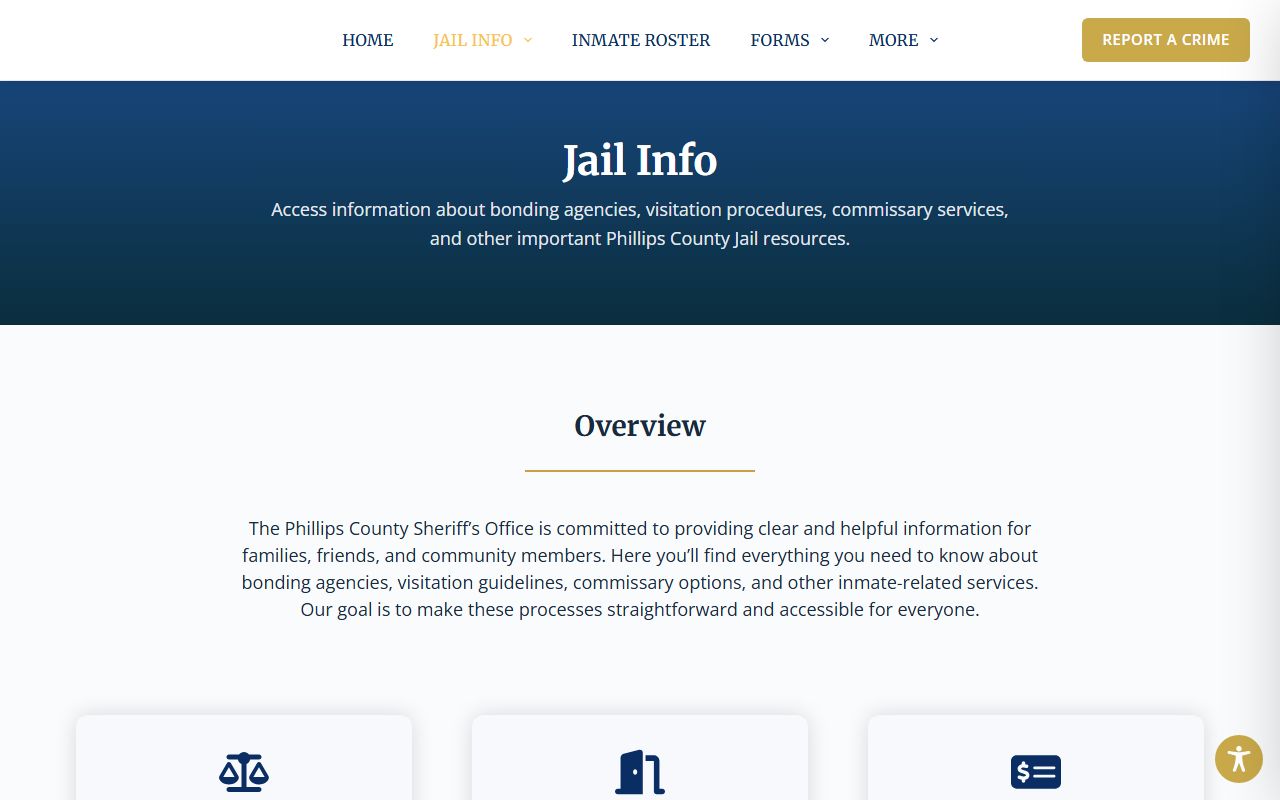
Use that office for custody and jail procedure questions, not for certified court dispositions.
For victim or survivor notification, the Phillips County Attorney page links Kansas VINE. VINE can provide custody status and criminal case alerts, but it is not the jail roster and is not a certified court copy. Use it as a notification tool, then verify official record facts with the sheriff, the court clerk, or the prosecutor as the question requires.
Phillips Visitation Schedule
The official jail visits page gives a narrow in-person visitation window. All visitors must check in before visitation and check out after. Visitors under 18 must be accompanied by a parent or guardian and need prior sheriff approval. No physical contact is allowed, and rule violations can lead to denial of future visits.
| Rule | Phillips County Jail Detail |
|---|---|
| Visiting day | Every Tuesday. |
| Visiting time | 2:00 PM to 4:00 PM. |
| Visit length | Limited to 15-20 minutes per inmate. |
| Holidays | Visits are cancelled on holidays. |
| Check-in/out | Required before and after the visit. |
| Minors | Parent/guardian and prior sheriff approval required. |
| Contact | No physical contact is allowed. |
The official jail visits page supplies the local schedule and rule source.
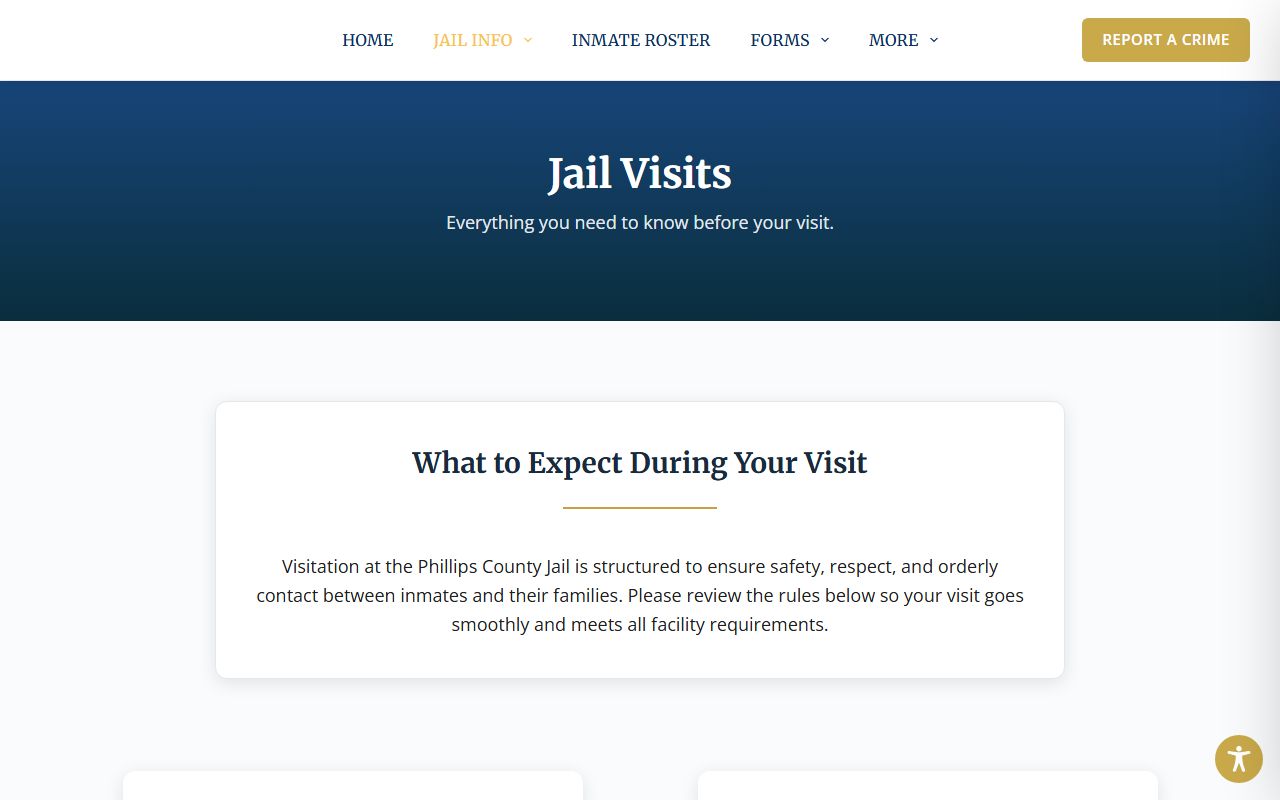
Confirm the visit window before travel because holidays cancel visits and jail operations can change.
The research did not locate official mail rules, a dress code, a remote video visitation provider, an attorney-visitation schedule, a tablet program, or a phone-call provider price sheet. Do not assume a common jail vendor applies in Phillips County. Call the jail before sending mail, planning a remote visit, or setting up a phone account.
Commissary and Funds
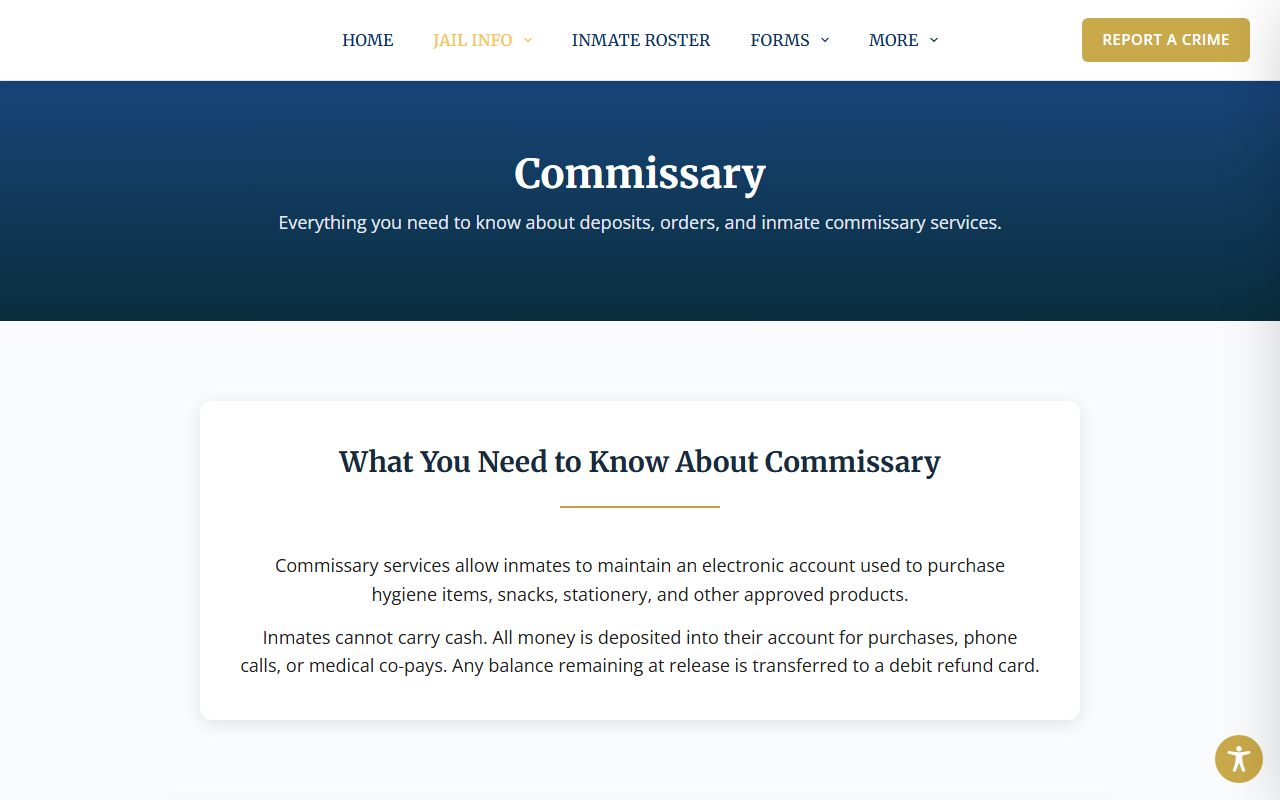
Phillips County Jail inmates cannot carry cash. Funds are placed in an electronic account for commissary, phone calls, medical co-pays, and bond. The sheriff commissary page says funds held at arrest are placed into an account maintained by the Sheriff's Office. Remaining balance at release is transferred to a Debit MasterCard given to the inmate upon release.
| Method or Rule | Detail |
|---|---|
| In person | Use the self-serve Stellar Teller in the jail lobby at 301 State Street, 1st Floor Courthouse. |
| Payment types | Cash or credit-card deposits through the teller system; personal checks are not accepted. |
| Online | Use JailATM, choose Commissary, create or sign in, and select Phillips County Jail, KS. |
| Deposit cap | Maximum of $300 per week can be added to an inmate account. |
| Spending cap | Inmates are limited to spending $50 per week. |
| Fees | The private online processor charges a small fee; official page did not publish the exact fee. |
| No-contact orders | Deposits are allowed only when no no-contact order blocks the contributor. |
The sheriff commissary page is the official source for deposit rules.
The page also advises families to monitor spending and set deposit budgets.
The sheriff contact page provides the office contact channel for jail questions.
Call the Sheriff's Office before assuming a mail rule, phone provider, or remote video option that was not found in official research.
The commissary source also includes practical family-budget guidance. It tells families to monitor spending, set weekly or monthly deposit budgets, and put the family's financial needs first. That is unusually specific local guidance and should be preserved because it affects real users who may be deciding how much money to deposit.
If money is intended for bond, confirm the process with the jail or court first. Commissary deposits and court bond payments are not always interchangeable.
The research did not locate an official commissary item price list. Families should use JailATM and the jail contact line for current deposit and spending questions.
For court outcomes tied to an inmate's charges, use Kansas CaseSearch or the Clerk of the District Court. The jail roster is a custody snapshot, while the court docket is the case-history record. Those two records often answer different questions, even when they concern the same person.
Phillips County inmate records also sit beside victim-notification and state-custody tools. Kansas VINE can send custody and criminal case alerts, but it should be treated as a notification service rather than a complete court file. KDOC KASPER is useful when the person may have moved into state custody or supervision, and its own source material says information is updated each working day. A local jail roster, VINE alert, and KDOC entry can each be accurate while describing different stages of the same criminal matter.
When a roster charge appears serious or unclear, confirm it through the court before relying on it as a final outcome. The roster may show a statute code or short charge description, but it does not show the complaint, information, amended counts, plea, sentencing order, restitution, probation terms, or expungement status. Those details belong to the District Court record or to a certified court copy.
For family members, the practical order is usually roster, phone call, then court lookup. The roster shows whether a person is listed now. The sheriff phone line can confirm current jail procedure. Kansas CaseSearch or the district court clerk can then answer whether a public court case has been filed and what hearings or orders appear in the case record.